Reading time: minute(s)
 Deutsch
 English
 Français
Delete an address layer
To delete an address layer, proceed as follows:
-
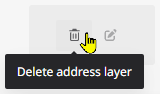
Open the data manager via the “Data management” entry either from the application menu or from the home area.

|
|
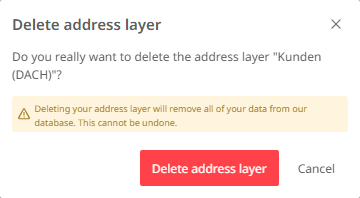
The address layer is then deleted. Attention: A deleted address layer cannot be restored, but has to be re-imported.
|
|
|
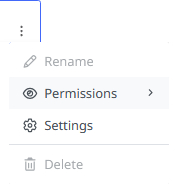
Note: An address layer that has been set to “Read-only” by its owner cannot be deleted by other users. In such cases, the delete option is not available. |
|